

I Don't Write Blog Posts Anymore. I Direct Them.
AI browser agents turn content creators into content editors. One prompt publishes a fully formatted, illustrated blog post across multiple tools — no code required.
Most content creators are still typing articles into blank editors, one word at a time, as though the entire AI revolution hasn't happened. They've adopted copilots for code and chatbots for brainstorming, but the actual production pipeline — from idea to published, image-rich blog post — remains a manual, sequential slog. Tab-switching. Copy-pasting. Uploading. Formatting. Repeat.
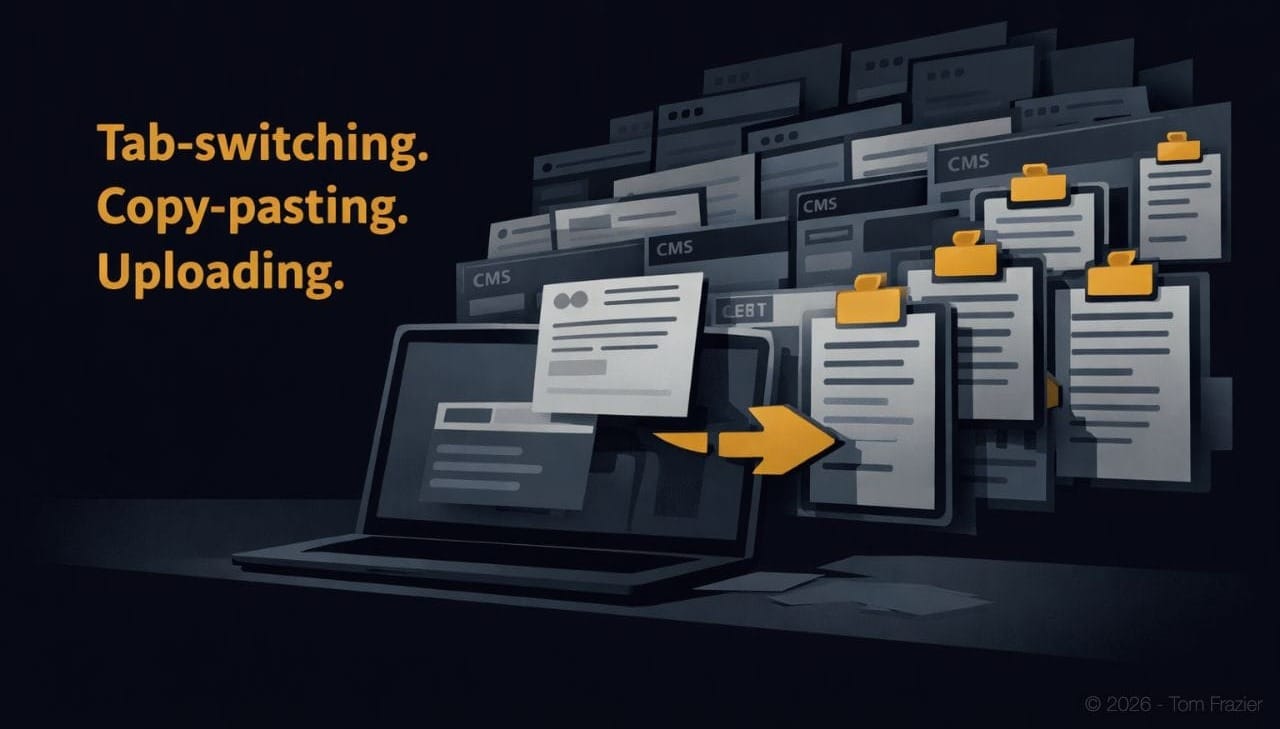
There's a better architecture. One where you describe the outcome you want and an AI agent builds in your style and tone, formats, publishes, and illustrates the entire thing across multiple tools — in your browser, using your logged-in sessions, without a single API integration or custom code.
Yes, I give you my prompt at the end but it needs to be tweaked to your setup and you'll need to build a writing style guide too.
I've been running this workflow for the past several weeks using Perplexity inside the Comet browser, and the results have changed how I think about my role in the content process. I'm no longer a content writer. I'm a content editor — and I ship ten times faster because of it.
The Core Mechanic: One Prompt, Multiple Tabs, Real Work
The breakthrough isn't another AI writing tool. It's browser-level orchestration.
Perplexity operates as a general-purpose assistant inside the Comet browser. You give it a structured prompt and it operates browser tabs to overcome the blank page problem that plauges all writers. It clicks, scrolls, types, reads, and navigates using your existing logged-in sessions.
That last part matters. Because it runs locally on your machine using Comet, the agent has access to every service you're already authenticated into: Ghost, WordPress, ChatGPT, Canva, your CMS — all of it. No OAuth flows. No connector setup. No middleware.
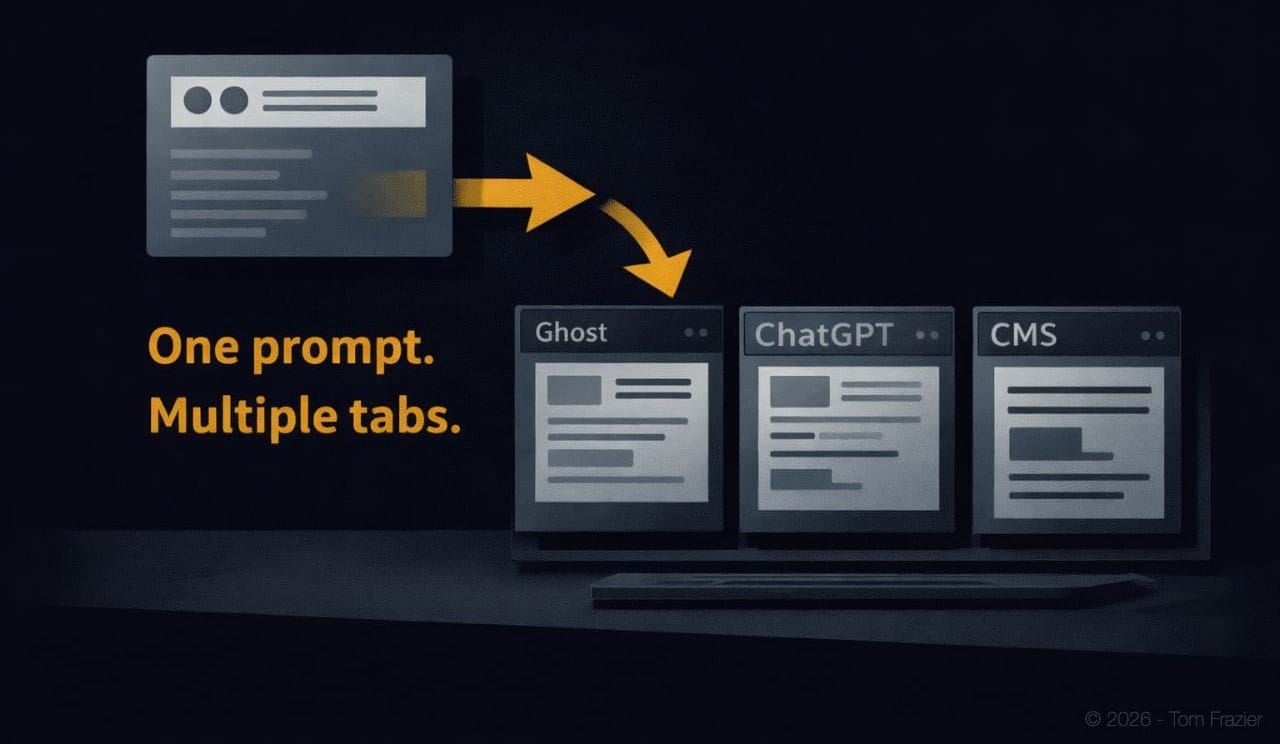
The practical implication: you can write a single prompt that instructs the agent to write an article, open Ghost in a new tab, create a draft with full formatting, then open ChatGPT in another tab to generate images, then come back to Ghost to insert them. One prompt. Multiple tabs. Real, published work.
"The shift isn't from manual to automated. It's from producing content to directing content. The AI handles production. You handle judgment."
The Workflow in Practice: Article to First Draft in One Session
Here's the specific meta workflow I run. Every piece I publish now follows this pattern.
Step 1: The Prompt as Production Brief
I created a detailed prompt that functions as both a creative brief and a production order. It includes:
- The topic and angle — not a vague subject, but a specific argument with a through-line
- Voice and style constraints — I attach my editorial style guide as a PDF, and the agent calibrates against it
- Structural requirements — H2/H3 hierarchy, pull quotes, callout blocks, emphasis patterns
- SEO metadata — I ask for a URL slug, meta description, and tags alongside the article
- Cross-platform instructions — what to do with the finished article and where to put it
This single prompt replaces what used to be four or five separate steps: outline, draft, format, optimize, publish.
Step 2: Browser-Native Publishing to Ghost
Once the article is written, the agent opens a new tab, navigates to my Ghost admin panel, and creates a new post. It doesn't just paste raw text — it uses Ghost's Koenig editor to apply proper formatting: H2 and H3 headings, bold and italic emphasis, callout cards, and blockquotes. It sets the URL slug, meta excerpt, tags, and template. Then it saves as a draft.
The agent is doing exactly what I would do if I were sitting at the keyboard — except it takes seconds instead of twenty minutes of formatting busywork.
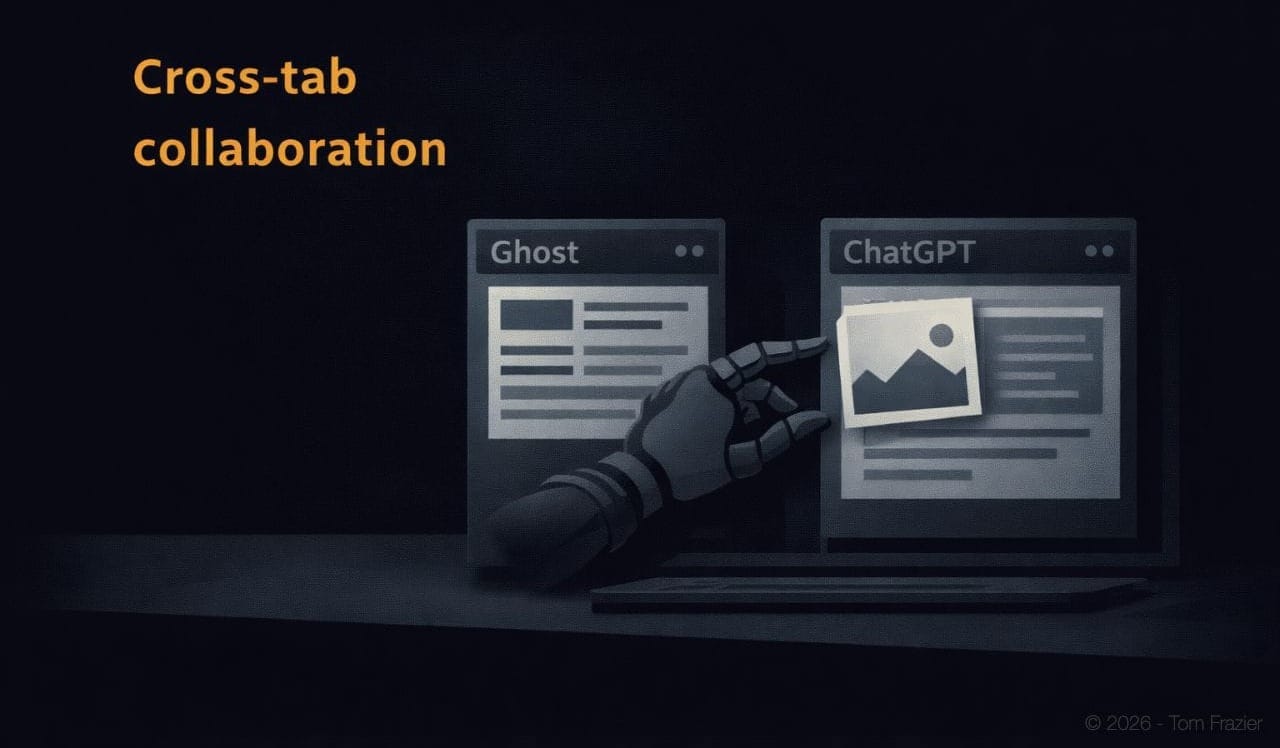
Step 3: Image Generation via ChatGPT Custom GPT
The agent opens yet another tab, this time navigating to a custom GPT I've built specifically for generating article imagery — The Long Arc Image Generator. It pastes the full article text and requests a featured image that captures the piece's core theme.
This is where the multi-tab architecture earns its keep. The agent doesn't need me to manually copy the article, switch to ChatGPT, paste it, wait for the image, download it, and bring it back. It handles the entire round trip autonomously, waiting for the image to fully render before proceeding.
Step 4: Image Processing and Upload
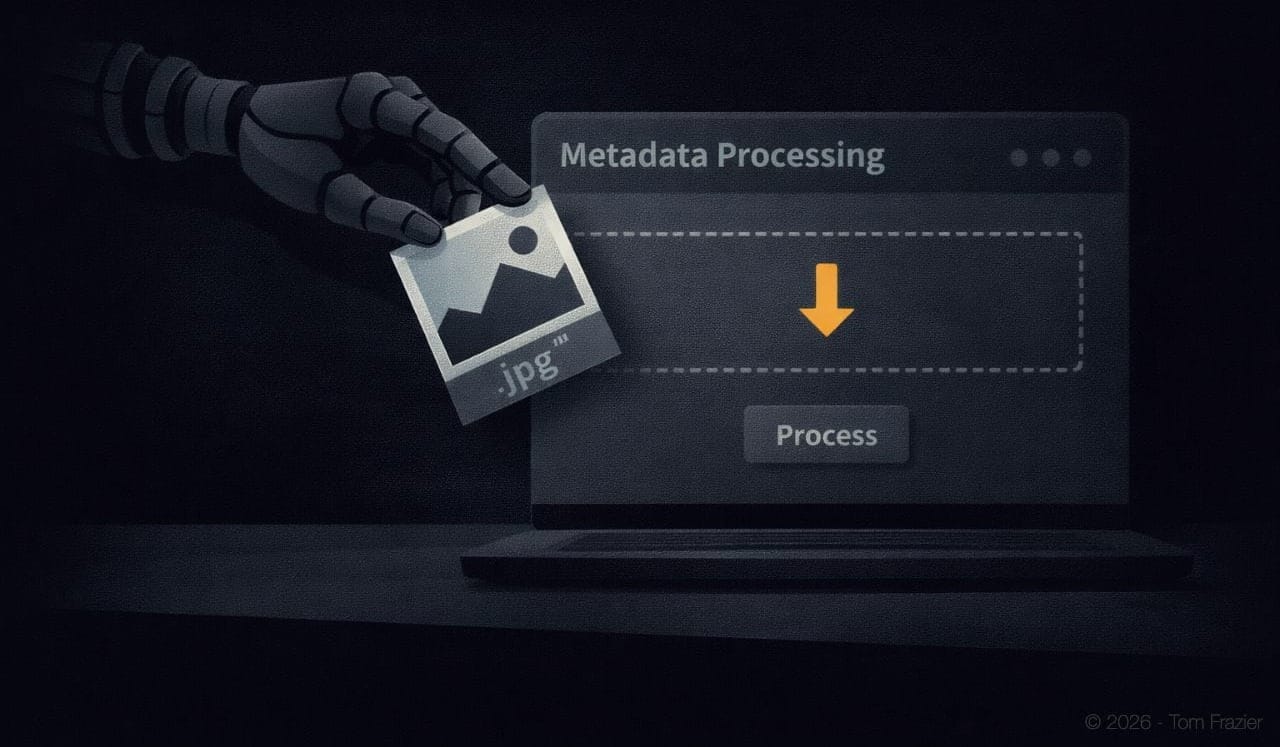
Generated images carry metadata you don't want on your blog — EXIF data, generation parameters, embedded model signatures. I run a local metadata stripping tool, and the agent navigates to it, drops the image in, processes it, downloads the clean version, then returns to the Ghost tab to set it as the featured image.
Step 5: In-Article Image Planning and Generation
The best part of this workflow isn't the automation. It's the creative collaboration.
Before generating any in-article images, the agent asks the custom GPT to analyze the full article and recommend specific images: what they should depict, why they serve the narrative, and exactly where they belong in the piece (after which heading or paragraph). I review this plan before a single image gets created.
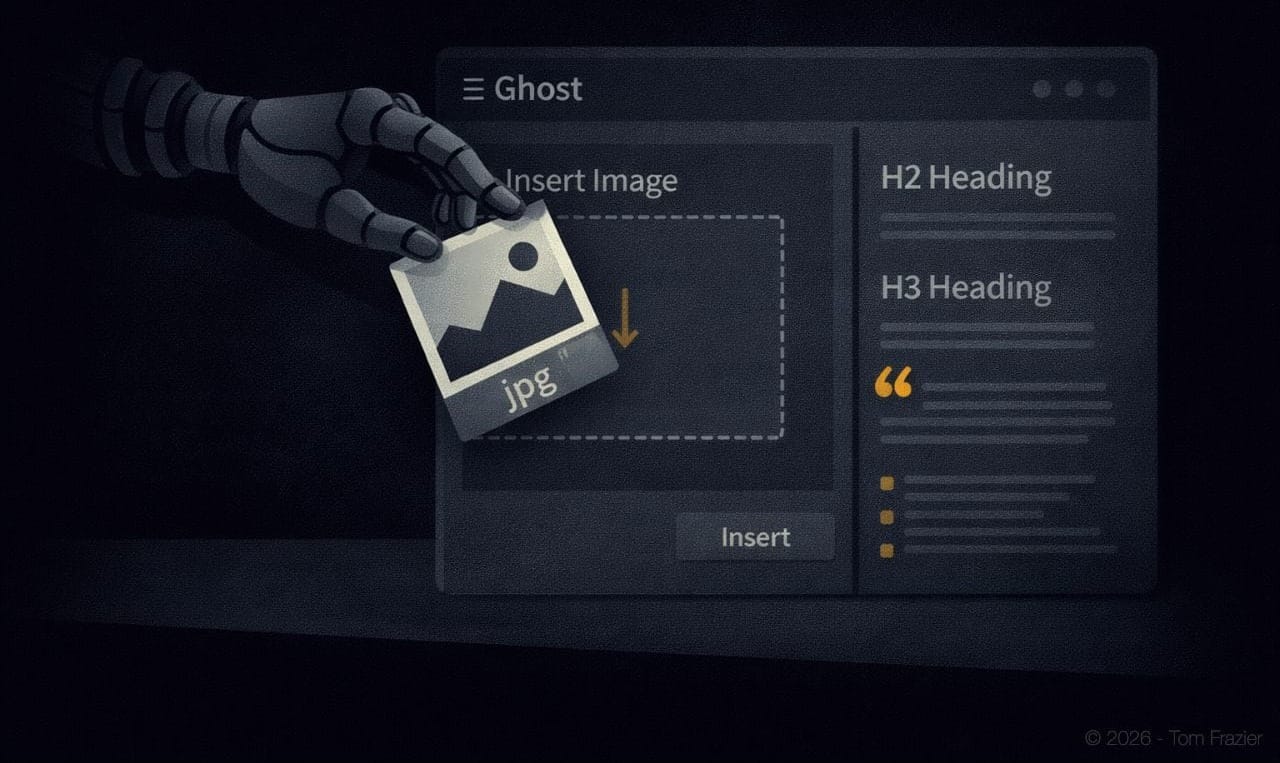
Then the agent generates each image one at a time, processes each through the metadata stripper, and inserts each into the Ghost draft at the recommended position. The result is a fully illustrated, properly formatted blog post — created from a single prompt session.
This workflow doesn't replace editorial judgment. It amplifies it. Instead of spending 80% of my time on production mechanics — formatting, uploading, resizing, tagging — I spend 80% of my time on what actually matters: choosing the right angle, refining the argument, and deciding whether each image genuinely serves the reader or just fills space. The AI handles the labor. I handle the taste.
Why This Works and Why Most AI Workflows Don't
Most people using AI for content creation are still operating in a request-response paradigm. They prompt an LLM, get text back, copy it somewhere, prompt another tool, get an image back, download it, upload it somewhere else. Each step requires a human in the loop doing manual coordination.
The browser-enabled meta workflow eliminates that coordination tax entirely. Three architectural properties make it possible:
Local Session Access
Because Comet runs on your machine, the agent inherits your login sessions. It can interact with Ghost, ChatGPT, or any other web app as if it were you — without any connector setup. This is fundamentally different from cloud-based AI agents that need OAuth tokens or API keys for every service they touch. The browser is the integration layer.
Multi-Tab Orchestration
The agent doesn't just work in one context. It opens multiple tabs and moves between them fluidly — writing in one, publishing in another, generating images in a third, processing files in a fourth. This mirrors how a human assistant would actually work, but without the context-switching overhead that makes human multitasking slow and error-prone.
Persistent Context Across Steps
The article content generated in step one persists in the agent's context. When it navigates to ChatGPT to request images, it already knows the full article. When it returns to Ghost to insert those images, it already knows the article structure and where each image belongs. No clipboard. No re-uploading. No lost context.
The Counterargument: "This Is Just Automation With Extra Steps"
The strongest objection to this workflow is that it's overengineered — that you could just write the article yourself, format it in Ghost, and generate images separately, the way you've always done it.
That objection misunderstands what's being optimized. The bottleneck for most content operators isn't writing speed. It's the total cycle time from idea to published post. When you factor in formatting, image generation, metadata stripping, SEO configuration, and quality review, a single blog post can easily consume two to three hours of an experienced operator's time. This workflow compresses that to under thirty minutes — and most of those minutes are spent reviewing, not producing.
The math is simple. If you publish three pieces a week, you're saving six to eight hours of production work per week. That's a full working day recovered for strategy, outreach, or building the next thing.
The Bigger Implication: Content Creator as Editor-in-Chief
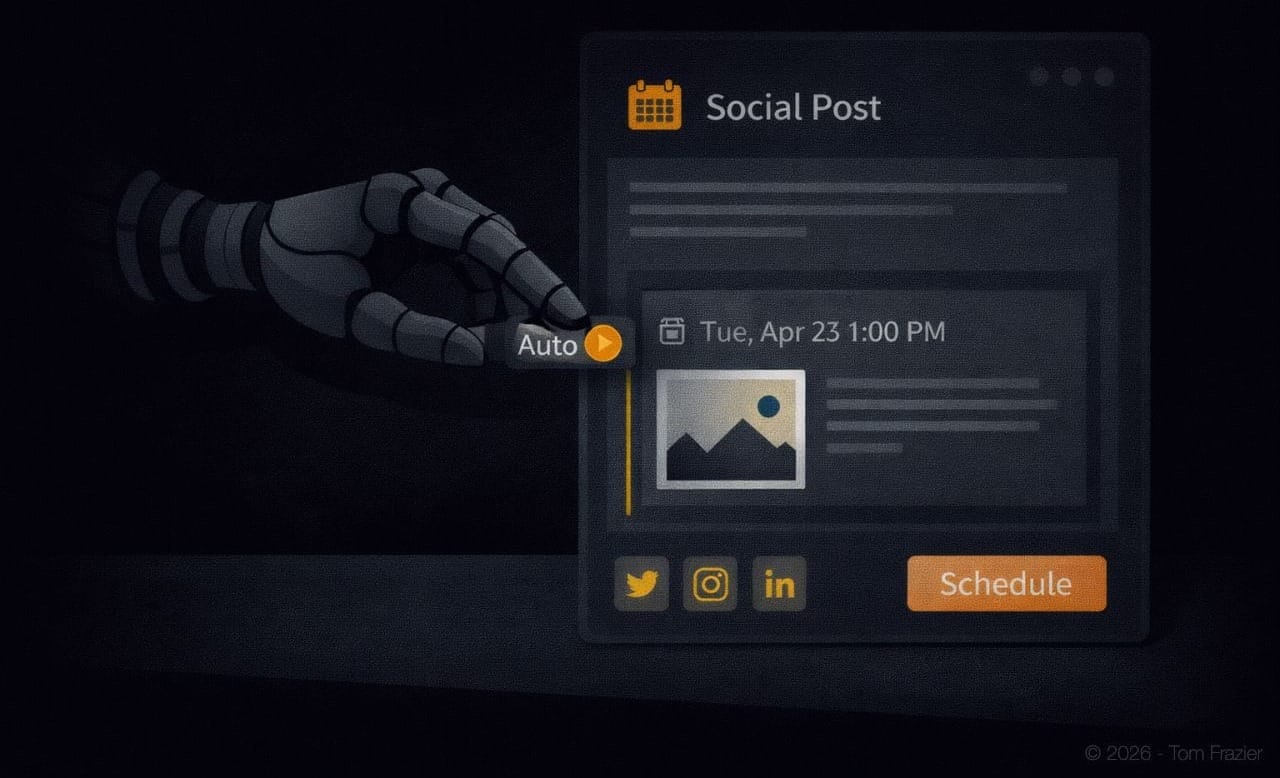
This workflow is a leading indicator of a broader shift in knowledge work. The tools are converging toward a model where the human role moves from production to direction — from writing the article to commissioning it, from generating the image to approving it, from formatting the post to reviewing the final product.
The practitioners who will thrive in this environment aren't the ones who type the fastest or know the most keyboard shortcuts. They're the ones with the best editorial instincts: the ability to spot a weak argument, reject a mediocre image, restructure a piece for clarity, and know when the AI's output is good enough to publish versus when it needs another pass.
That's always been the hard part of content creation. The meta workflow just strips away everything that isn't the hard part.
How to Build This Yourself
The infrastructure requirements are minimal:
- Perplexity Pro subscription and the Comet browser
- A CMS you can access via browser — Ghost, WordPress, Substack, or any web-based editor
- A custom GPT or image generation tool accessible via browser — ChatGPT, Midjourney's web interface, or any browser-based generator
- A metadata processing tool (optional but recommended) — a local instance or any web-based EXIF stripper. Codex or Claude Code can knock this out in minutes
The key is writing prompts that function as complete production briefs. Vague instructions produce vague results. Your prompt should specify the exact sequence of operations, the quality standards for each output, and the specific tools and URLs the agent should navigate to.
Start with a single article. Refine the prompt based on what the agent gets right and what it misses. Within two or three iterations, you'll have a repeatable template that turns idea-to-published-post into a single-prompt operation.
The Bottom Line
The browser-enabled meta workflow isn't a productivity hack.
It's a structural change in how content gets made.
The AI doesn't just help you write — it publishes, illustrates, formats, and optimizes across every tool in your stack, using the same browser sessions you already have. While it isn't perfect each time it is tool like no other.
The role shift is real and it's permanent. Content creators who recognize it early will operate at a fundamentally different velocity than those who keep doing everything by hand. Not because the AI writes better — often it doesn't — but because the production overhead that used to consume most of your time simply vanishes.
Stop writing content. Start editing it. The workflow exists today, and it works.
A Prompt Only An Owner Could Love
Use this as a starting point:
This post is for subscribers only
Sign up now to get access to the post.
Already a member? Sign in
